
← All releases
Feature
Stay on the newest model with “(latest)”
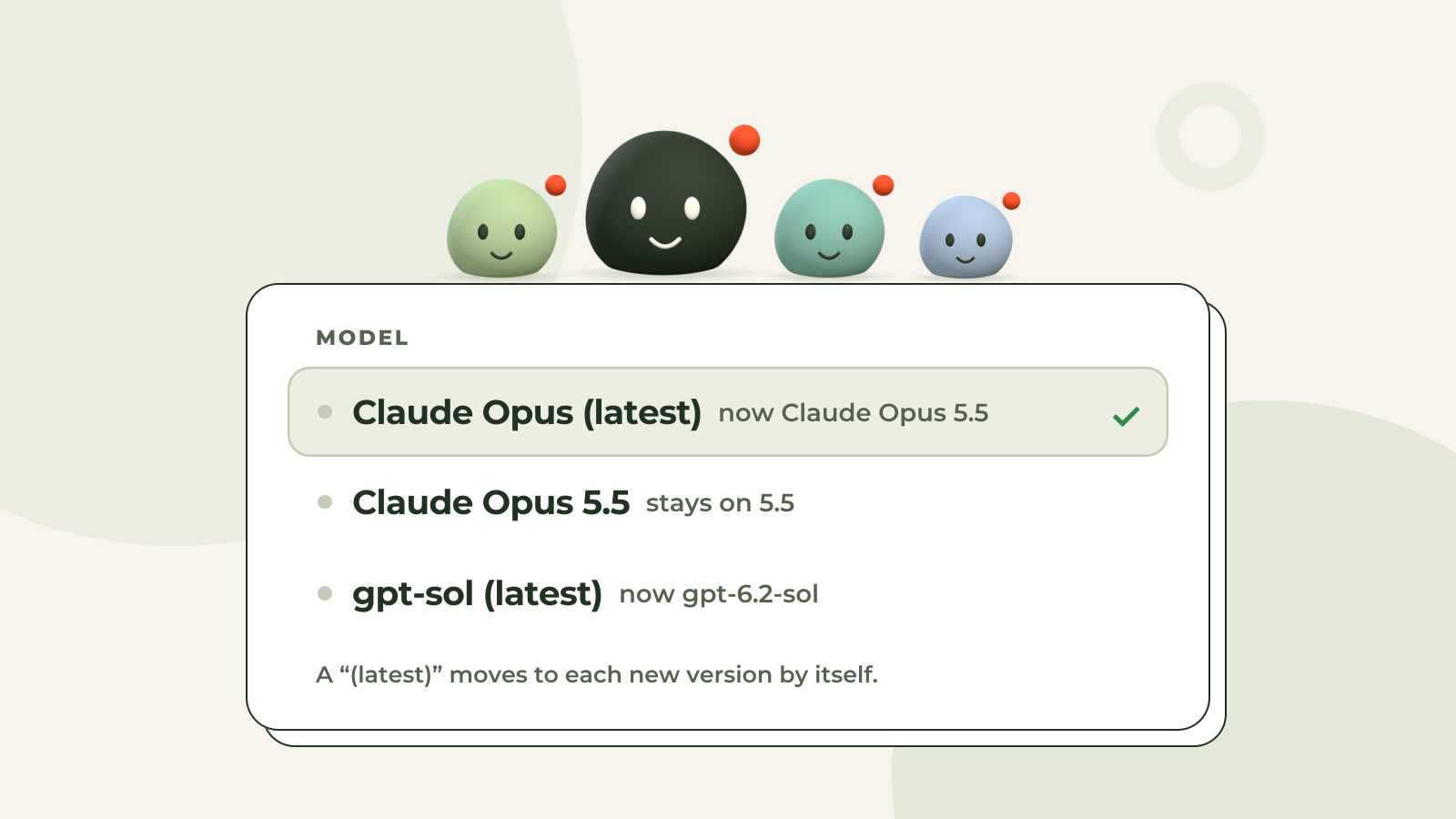
Choose a model's “(latest)”, like “Claude Opus (latest)”, and your agents move to each new version by themselves. You never have to come back to switch.
How to turn it on
Open Settings, AI models, and pick a “(latest)” under Use first. You can also pick one for a single agent: in its Setup, at the top of a session, or on your Chief of Staff's page.
What changes for you
New workspaces start on a “(latest)”. Nothing to set up.
Retired versions move on by themselves. When a provider retires one, anything on it moves to the newest of its family.
Your costs stay put. A “(latest)” never moves you up to a bigger, dearer kind of model: Opus stays Opus.
Pinned stays pinned. A model you pick by its version stays on that version.